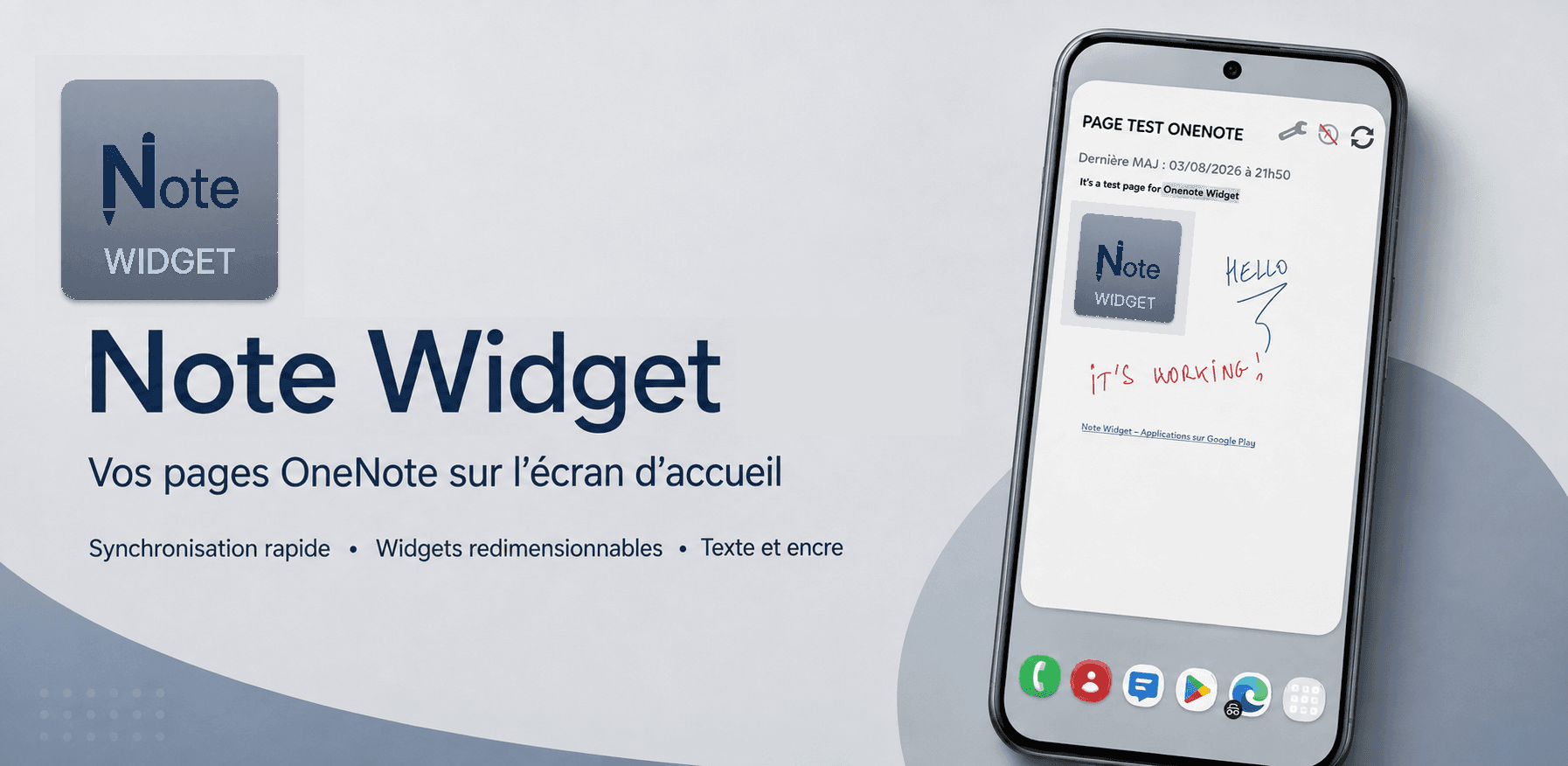
Note Widget, your OneNote notes on your home screen
View your OneNote pages without opening the app. Pick a section, add the widget and keep your notes within reach.
 Get it on Google Play
Here's the solution
OneNote is powerful but awkward for a quick glance. Note Widget displays your section content directly on your Android home screen, updated automatically.
Key features
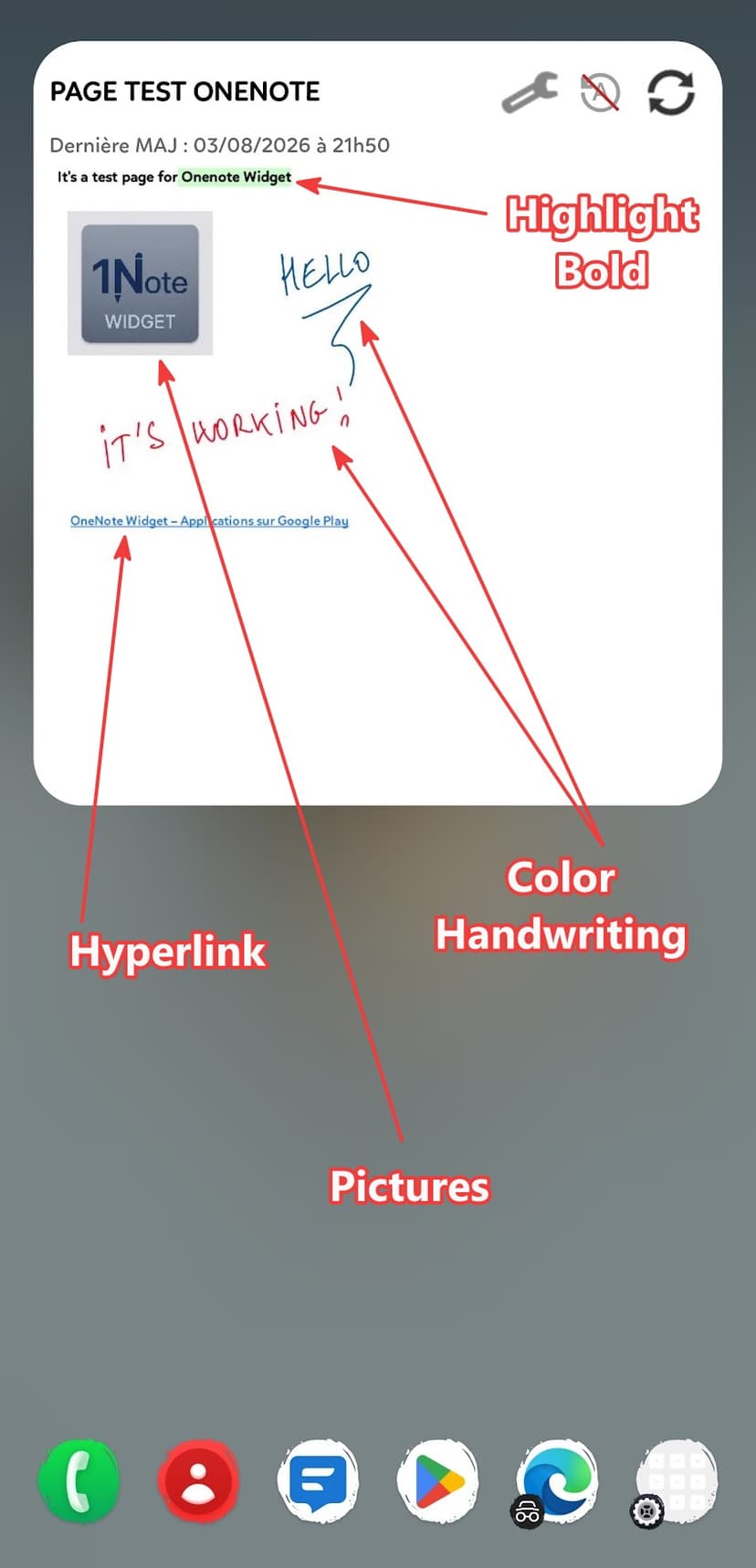
Android widget displaying pages from a OneNote section
Microsoft sign-in (personal or work account)
Quick section selection with recent history
Automatic sync every 20 minutes
On-demand manual refresh
Checkbox and image support
Multiple widgets on your home screen
Centralized management of active widgets
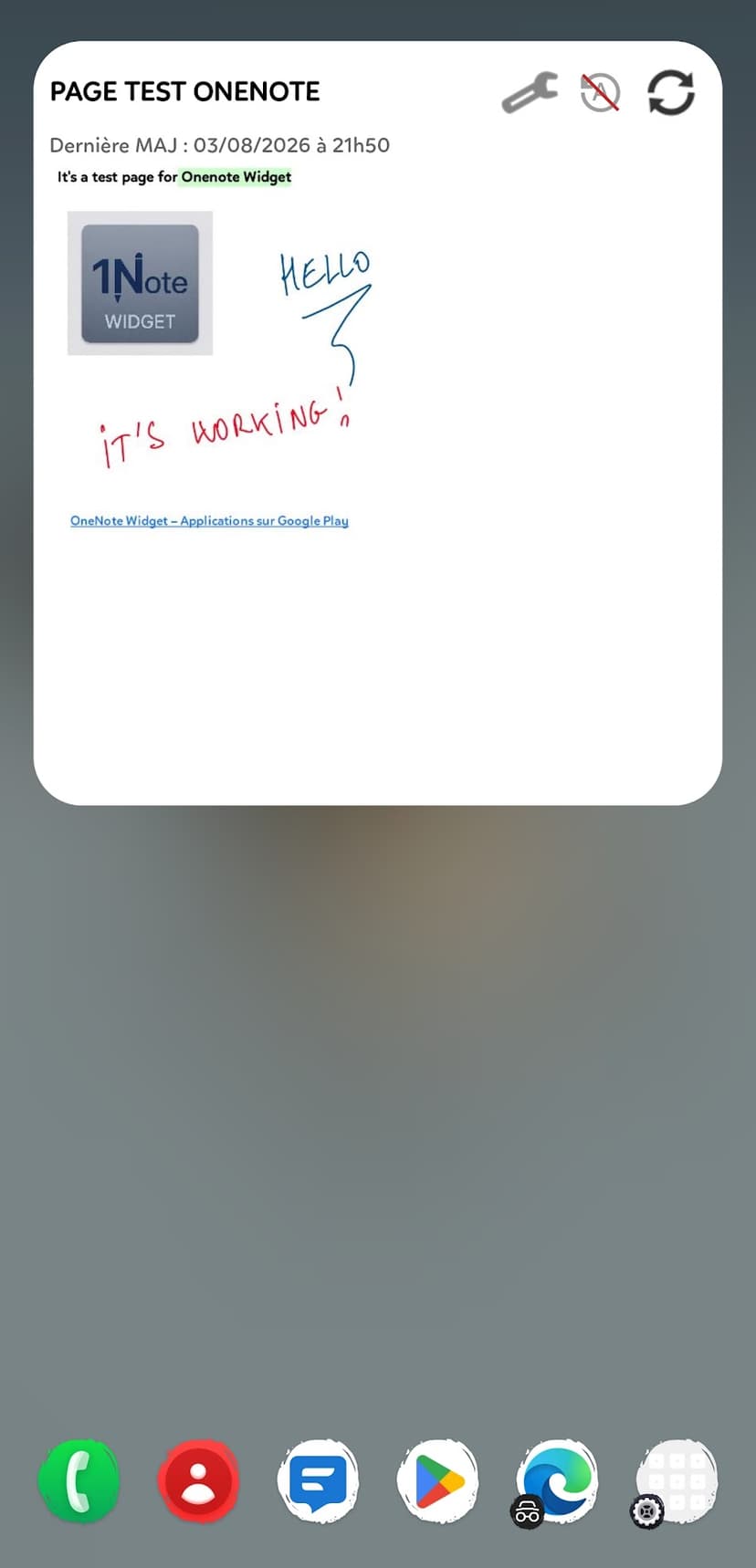
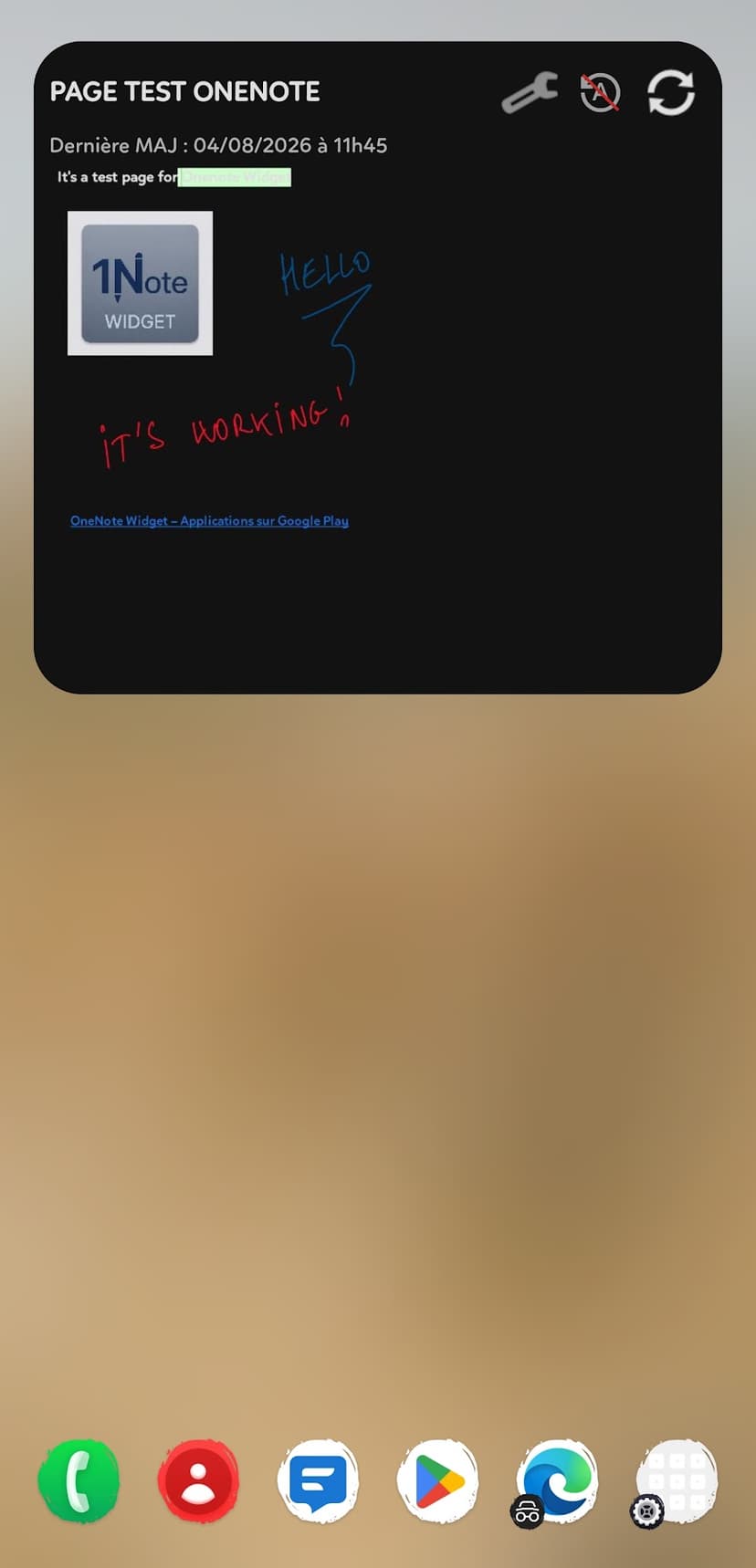
Your OneNote pages on the home screen
Screenshots
Refunds — Note Widget
Note Widget is distributed on Google Play. Here is how to proceed if you paid for an offer or in-app purchase.
Google Play
Open Google Play Store → Profile → Payments & subscriptions → Budget & history → select the order → Request a refund. Google applies its own timelines (often 48 hours for automatic refunds; beyond that, case-by-case review).
Need help?
If you cannot find your order or Play refuses the refund, contact us with subject “Note Widget — Refund”, including your Google Play account email and approximate purchase date.